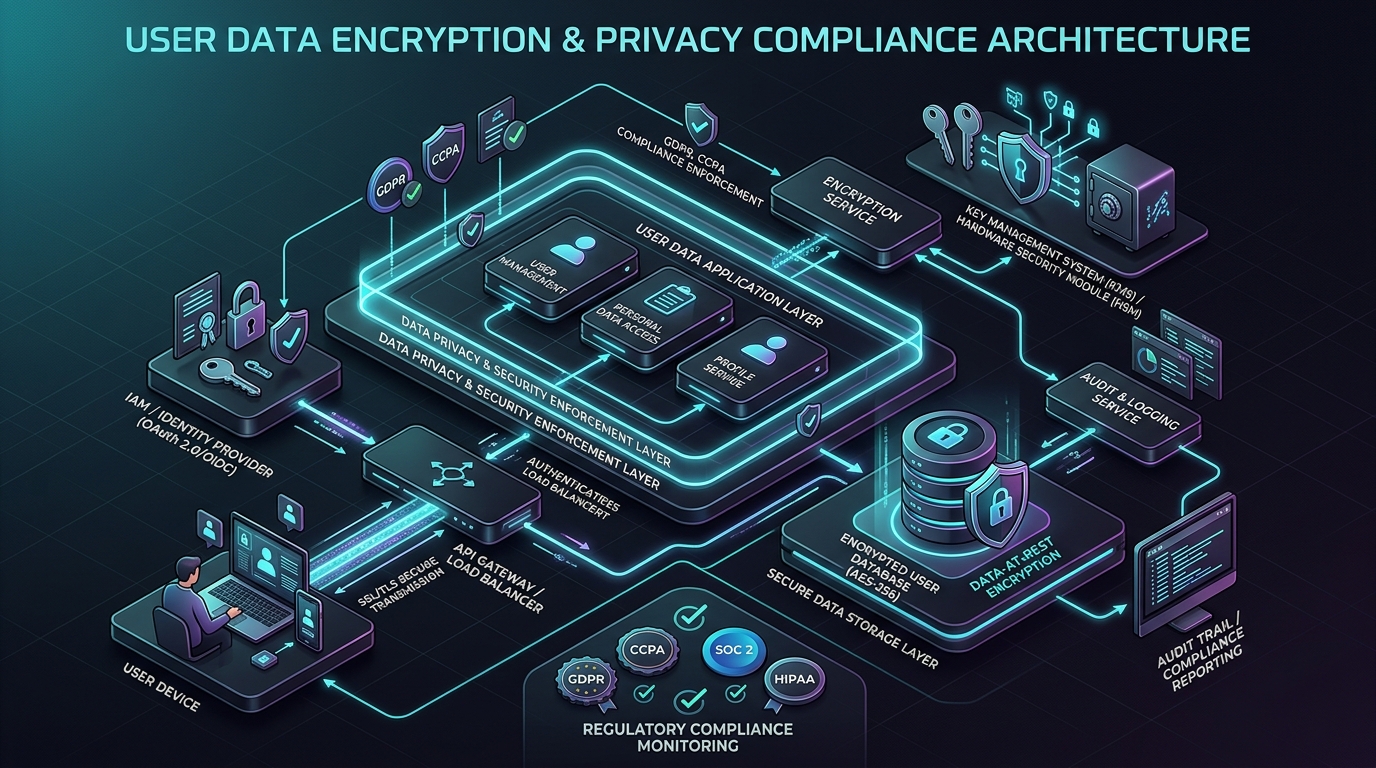
“Transparency, data minimization, and user sovereignty are fundamental principles of our engineering software.”
Answer-first: This Privacy Policy outlines the strict data protection and privacy standards of MarkPDF (PDF to Markdown Converter Extension for Microsoft Edge and Google Chrome), published and maintained by Lê Tuấn Anh (tanhdev.com). MarkPDF operates as an offline-first, zero-telemetry tool that converts PDF documents locally on your device. We do not collect, harvest, store, or sell any personal data, documents, or browsing activity. For privacy inquiries, email vesviet@gmail.com.
1. Overview & Privacy Commitment
MarkPDF (“the Extension”, “we”, “our”) is architected from the ground up as a privacy-first, client-side utility. Your documents, research papers, notes, and intellectual property remain entirely on your computer.
- Publisher / Data Controller: Lê Tuấn Anh (Senior Software Engineer · Backend & Platform Specialist at
tanhdev.com) - Contact Email: vesviet@gmail.com
- Extension Name: MarkPDF - PDF to Markdown Converter
- Target Stores: Microsoft Edge Add-ons Store & Chrome Web Store (Manifest V3)
2. 100% Offline Local Processing (Default Mode)
By default, MarkPDF converts PDF documents entirely on your local machine using WebAssembly and sandboxed Web Workers:
- Local In-Browser Parsing: PDF text extraction, heading detection (H1–H6), reading order layout sorting, and Markdown table extraction are executed 100% within your browser runtime via a locally bundled
pdfjs-distworker. - Zero Network Transmission: In standard local mode, zero bytes of your PDF content, text, or converted Markdown are transmitted over the internet.
- No Backend Servers: MarkPDF does not maintain any intermediary proxy, relay, or processing server.
- Air-Gapped Reliability: The local conversion engine functions seamlessly without an active internet connection.
3. Bring-Your-Own-Key (BYOK) AI Mode (Optional)
MarkPDF provides an optional AI-enhanced mode powered by Google Gemini 2.0 Flash / 1.5 Flash for advanced document understanding (complex nested tables, multi-column scientific layouts, scanned OCR, and LaTeX math formulas).
If and only if you choose to enable AI conversion:
- Direct Browser-to-API Communication: API requests are transmitted directly from your browser to Google’s official API endpoint (
https://generativelanguage.googleapis.com) over TLS/HTTPS. - Isolated Local Key Storage: Your Google Gemini API Key is stored exclusively in
chrome.storage.localon your device. - No Cloud Sync / Leakage: Your API key is never saved to
chrome.storage.sync, never transmitted totanhdev.com, and never logged to external monitoring tools. - User Control: You can replace, update, or purge your stored API key at any time directly in the Extension Settings.
4. Zero Telemetry, Analytics, and Tracking
MarkPDF enforces an absolute zero-tracking policy:
- No Analytics Libraries: We do not embed Google Analytics, Mixpanel, PostHog, or any user telemetry SDKs inside the extension.
- No Error Pings: Errors are logged only to your browser’s local developer console.
- No Cookies or Fingerprinting: MarkPDF does not create, read, or track third-party cookies or canvas fingerprints.
- No Browsing Activity Monitoring: We do not track websites you visit, documents you open, or your conversion history.
5. Permissions Usage & Store Justification
MarkPDF adheres strictly to the Principle of Least Privilege required by the Microsoft Edge Partner Center and Chrome Web Store policies:
| Permission | Purpose & Technical Justification |
|---|---|
sidePanel | Required to host the dual-view interface (PDF Viewer & Live Markdown Preview) alongside your active tab. |
storage | Required to persist your local user preferences (dark/light theme, BYOK API key) in chrome.storage.local. |
activeTab | Required to enable 1-click conversion when you click the extension toolbar icon or Floating Action Button (FAB). |
contextMenus | Required to provide a convenient right-click context menu option (“Convert with MarkPDF”) on PDF links. |
downloads | Required to trigger local file saving when you click the “Download Markdown (.md)” button. |
scripting | Required to inject the helper Floating Action Button into PDF viewer tabs. |
host_permissions | Scoped strictly to https://generativelanguage.googleapis.com/* (for optional BYOK Gemini API) and *://*/*.pdf* / file://*/*.pdf* (to detect PDF viewer tabs). |
6. Content Security Policy (CSP)
MarkPDF strictly complies with Manifest V3 Content Security Policy rules:
script-src 'self' 'wasm-unsafe-eval'; object-src 'self';
- No Remote Code Execution: All scripts, styles, and assets are bundled locally in the extension package. Loading external scripts from third-party CDNs is strictly disallowed.
- WebAssembly: The
'wasm-unsafe-eval'directive is utilized solely for offline WebAssembly compilation required by Mozilla PDF.js.
7. Data Retention & Deletion
- Volatile In-Memory Processing: All document buffers, text tokens, and rendered canvas frames reside solely in temporary browser memory during the active session and are immediately discarded when you close the panel or clear the document.
- Complete Erasure on Uninstall: Uninstalling MarkPDF from Microsoft Edge or Chrome instantly and permanently removes all stored local preferences and API keys from your device.
8. Compliance & User Rights (GDPR & CCPA/CPRA)
Because MarkPDF does not collect, process, or store any personal data on remote servers:
- We do not sell, rent, or trade your personal information.
- All users worldwide enjoy complete data sovereignty and air-gapped privacy.
9. Contact & Open Source Transparency
If you have questions, feedback, or security audit inquiries regarding MarkPDF:
- Publisher / Maintainer: Lê Tuấn Anh
- Primary Contact Email: vesviet@gmail.com
- Website: https://tanhdev.com/
- Main Privacy Policy: https://tanhdev.com/privacy-policy/